LUMORA
Account
Professional Film Grain Pack preview 1

Overlays & Textures

Professional Film Grain Pack

4.7 (143)

$49.00

High-resolution film grain overlays and scan textures.

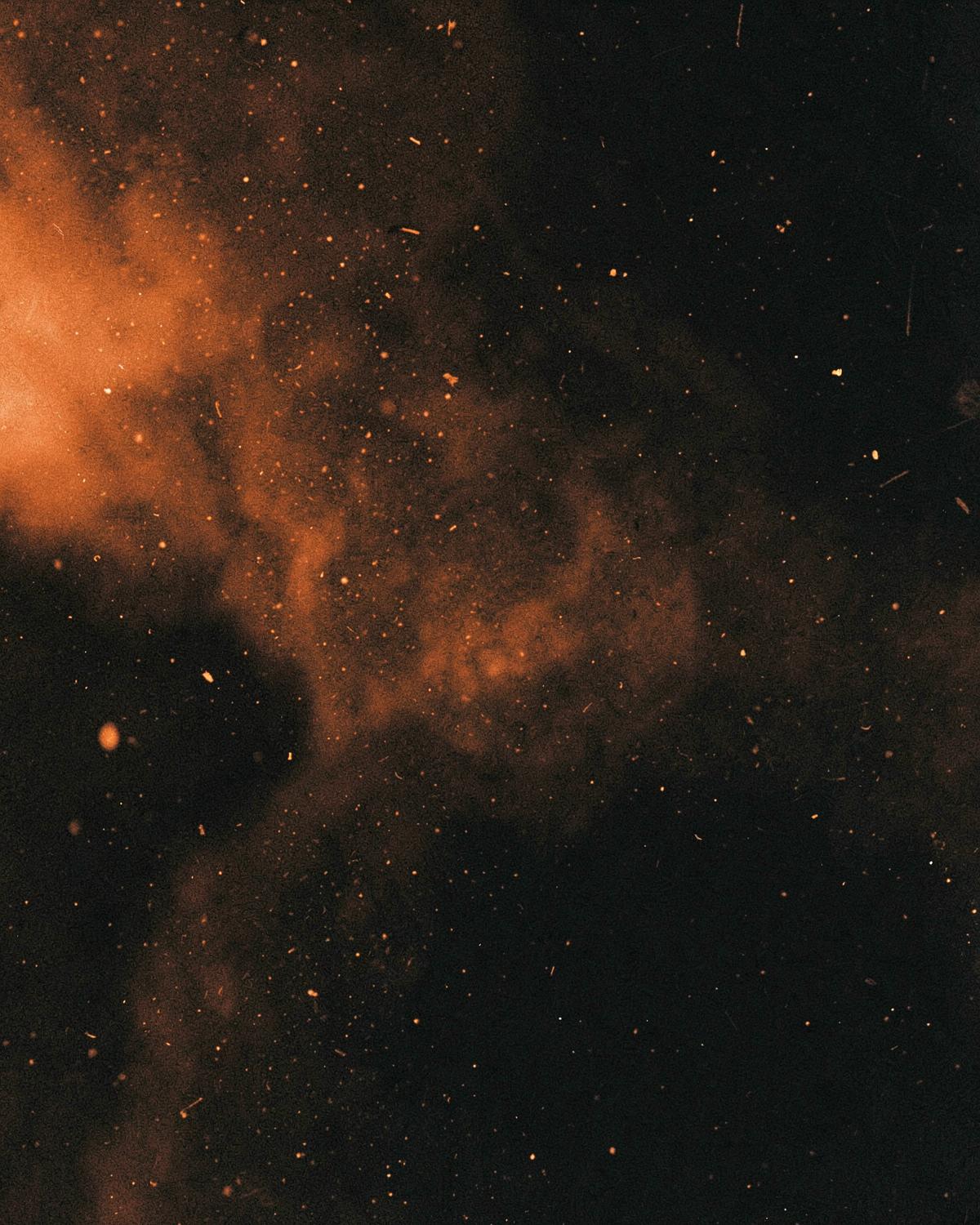
Real scanned grain from 35mm and medium format, plus dust and emulsion textures for authentic analog finishing.

  • Instant Digital Download
  • Lifetime Access
  • Secure Checkout
  • Commercial Use License

What's Included

  • 40 high-resolution grain overlays (JPG, 6000px)
  • 20 dust & emulsion textures (PNG)
  • Blending mode cheat sheet (PDF)

Compatibility

  • Adobe Photoshop
  • Affinity Photo
  • Premiere Pro
  • After Effects

Installation

  1. 1. Download and unzip your files from the order page.
  2. 2. Import the preset or LUT files into your editing software.
  3. 3. Apply, adjust exposure to taste, and save your look.

License

Your purchase includes a personal and commercial creative-use license: use the assets on your own photos and video, including paid client work. Reselling, redistributing, sharing or bundling the digital asset files themselves is not permitted. Full terms are configurable by the store owner.

Before & After

See The Difference

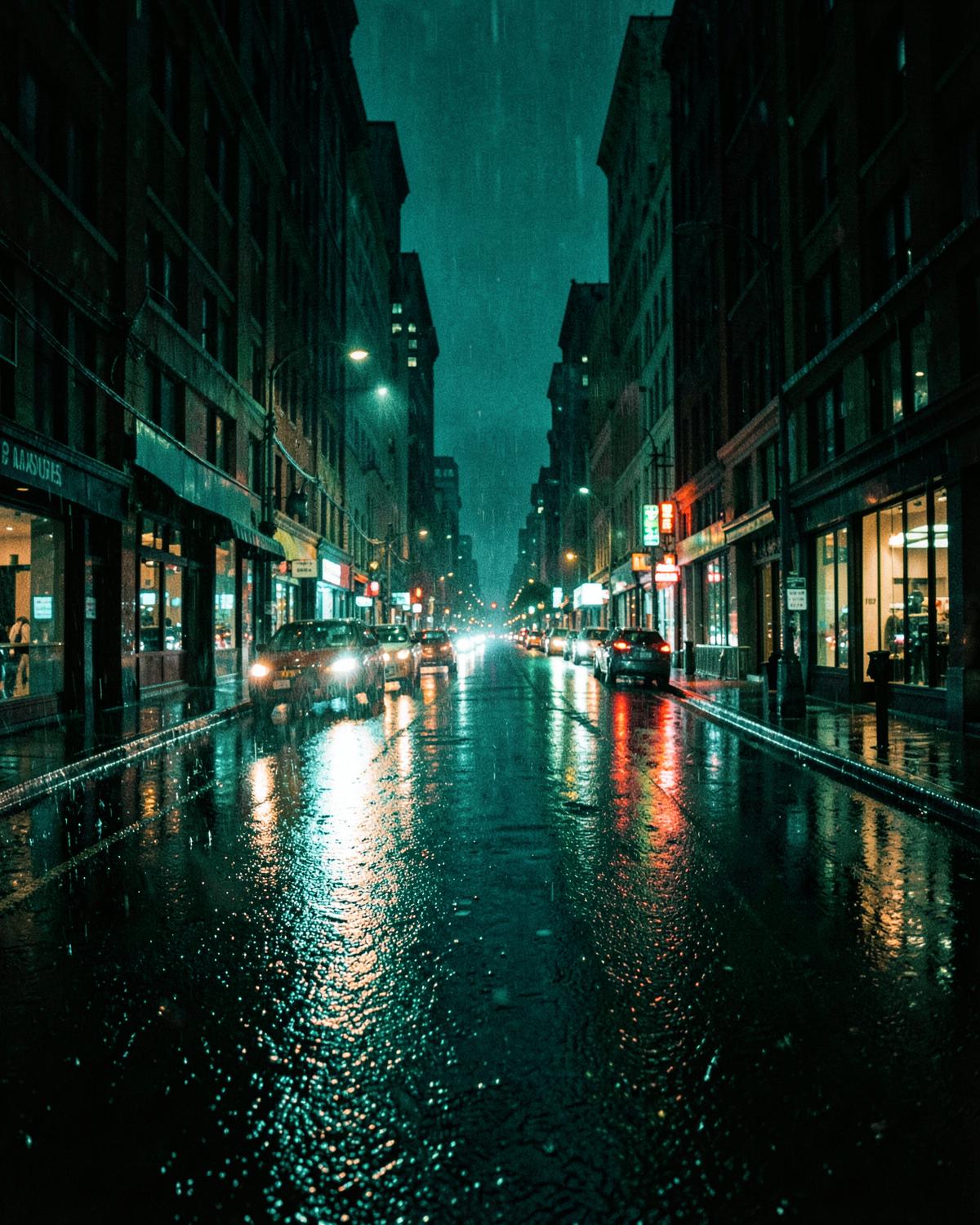
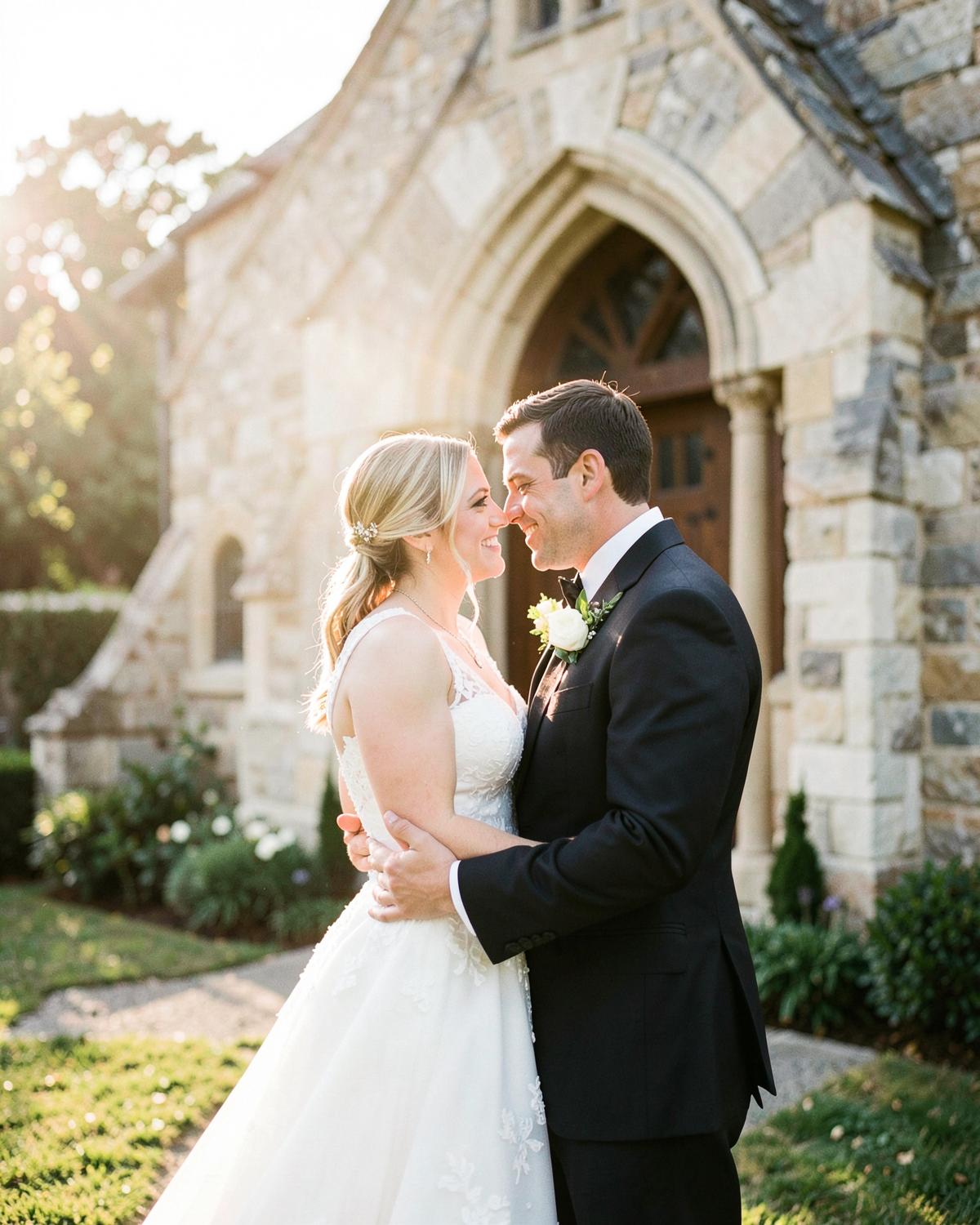
Professional Film Grain Pack — edited with LUMORA
Professional Film Grain Pack — original file
BeforeAfter
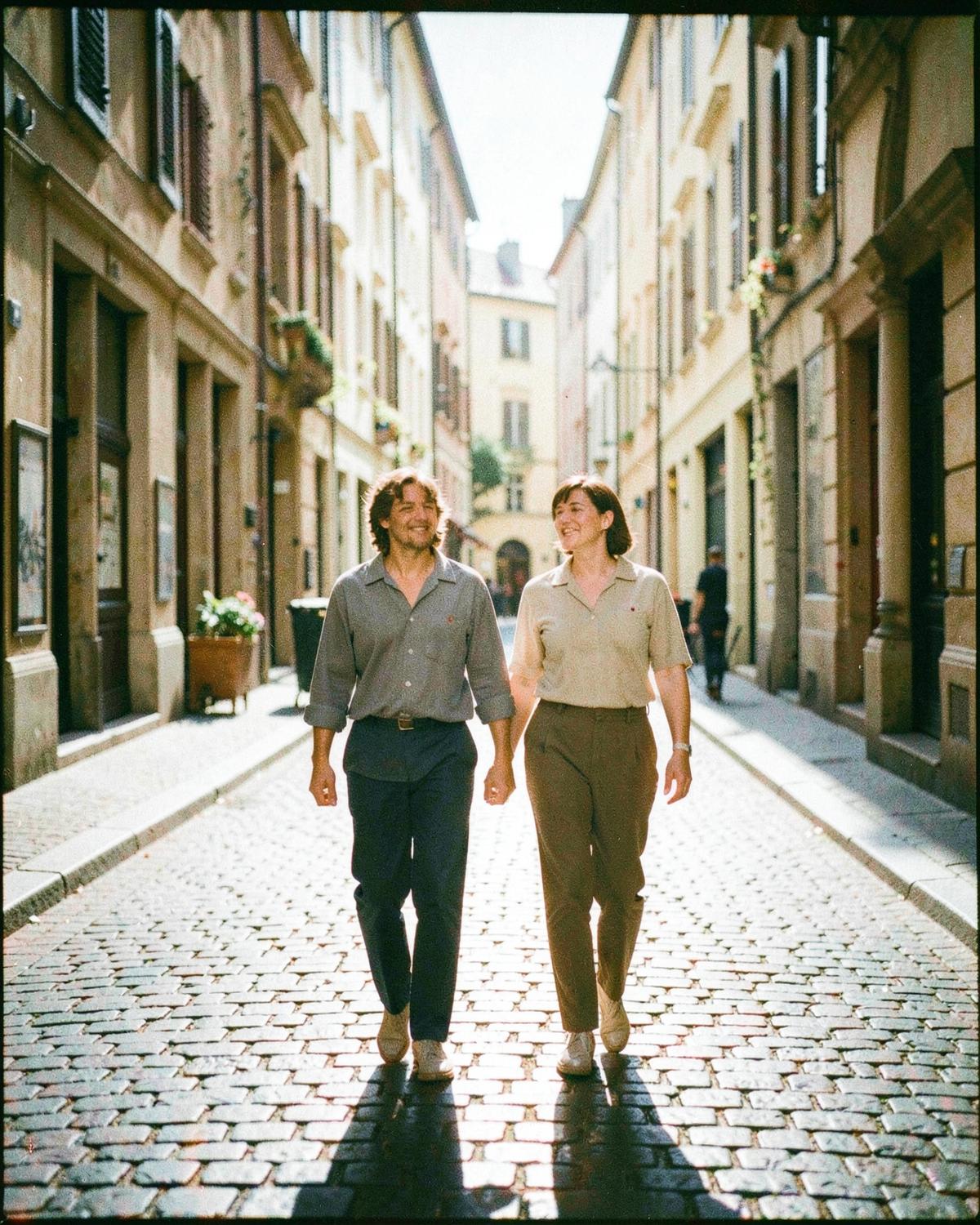
Professional Film Grain Pack second example — edited with LUMORA
Professional Film Grain Pack second example — original file
BeforeAfter

The Looks

Inside The Collection

Professional Film Grain Pack look 1
Look 01
Professional Film Grain Pack look 2
Look 02
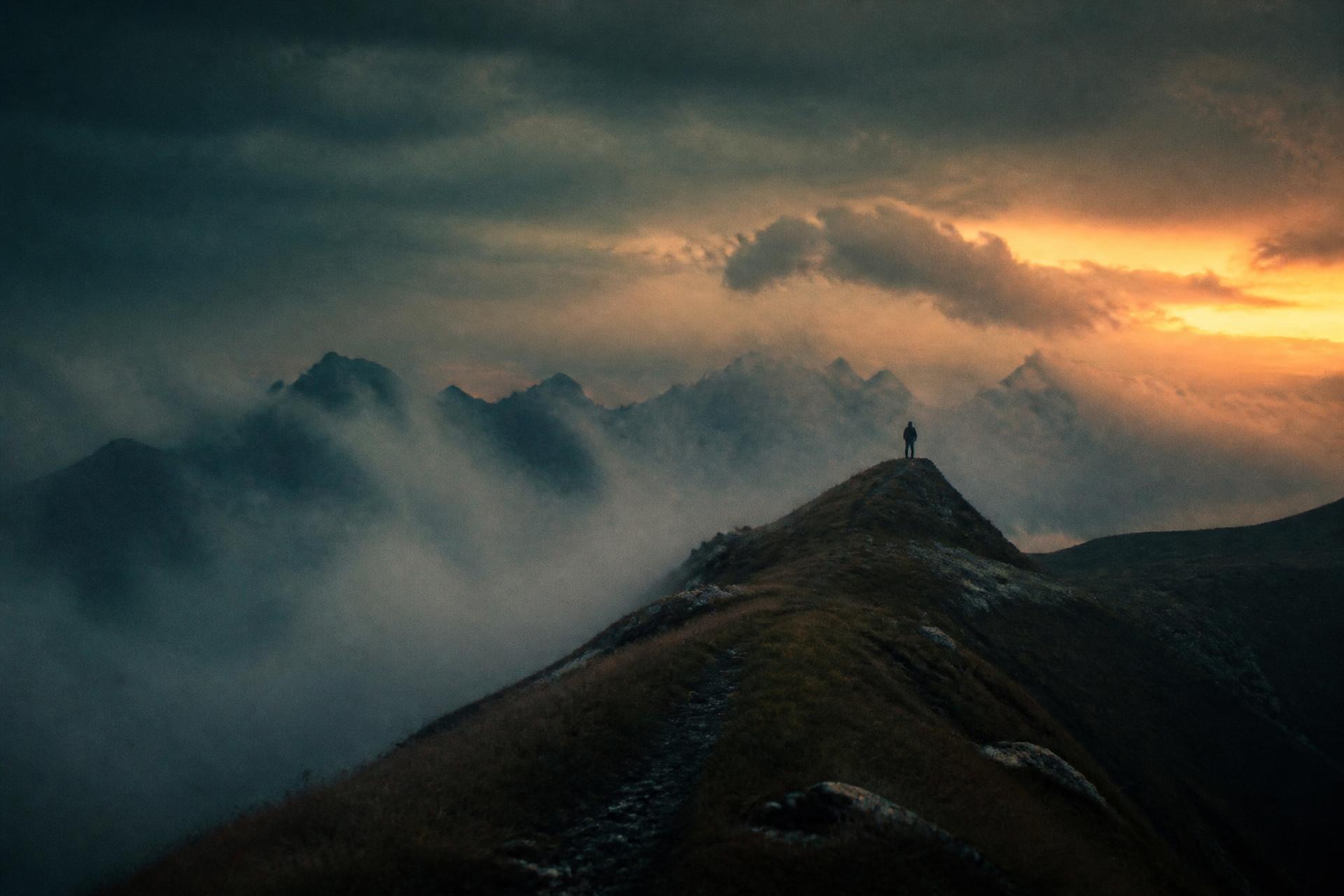
Professional Film Grain Pack look 3
Look 03
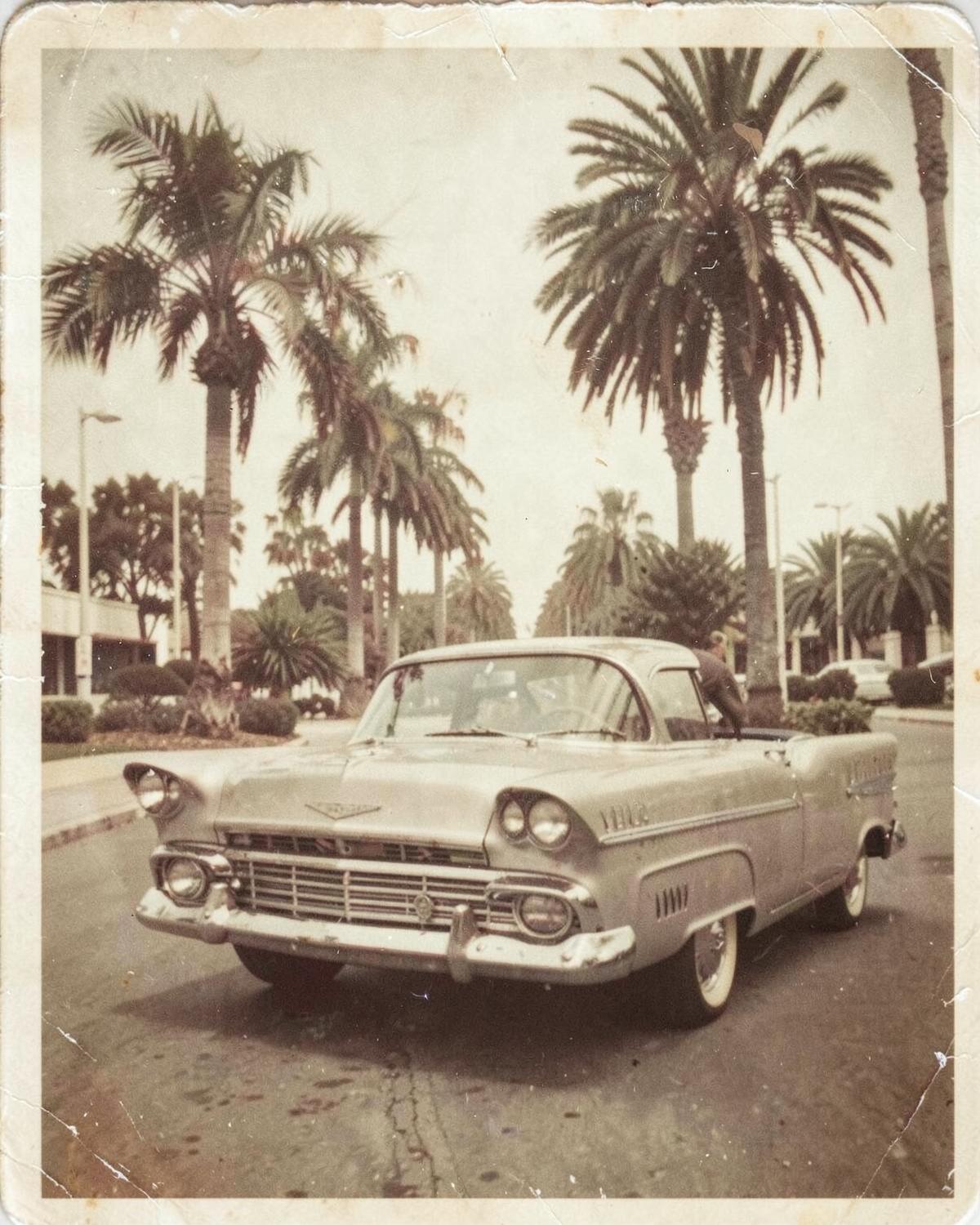
Professional Film Grain Pack look 4
Look 04
Professional Film Grain Pack look 5
Look 05
Professional Film Grain Pack look 6
Look 06
Professional Film Grain Pack look 7
Look 07
Professional Film Grain Pack look 8
Look 08

Reviews

What Photographers Say

4.7 (143)

Demo content — sample reviews shown until real customer reviews are collected.

5.0

Applied it to a full wedding gallery and barely touched anything after. Skin tones stayed clean even in mixed light.
Sofia M.

12 August 2026
5.0

The contrast curve is doing something my own presets never got right. Shadows stay rich without going grey.
Daniel R.

3 August 2026

4.0

Great on RAW, slightly strong on JPEG — dial opacity back and it's perfect. Installation took two minutes.

Amara K.

27 July 2026

You May Also Like