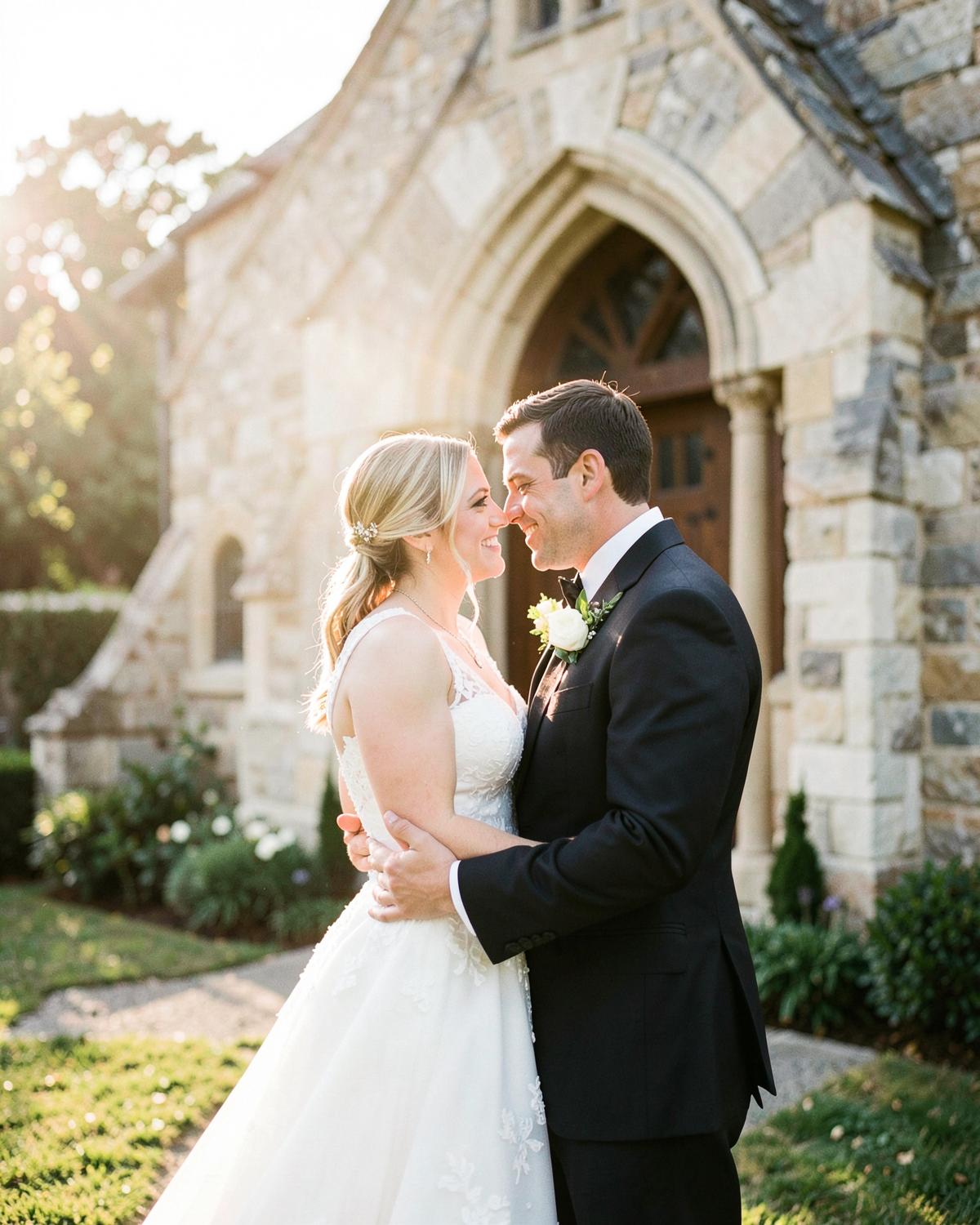
Applied it to a full wedding gallery and barely touched anything after. Skin tones stayed clean even in mixed light.
Sofia M.
12 August 2026
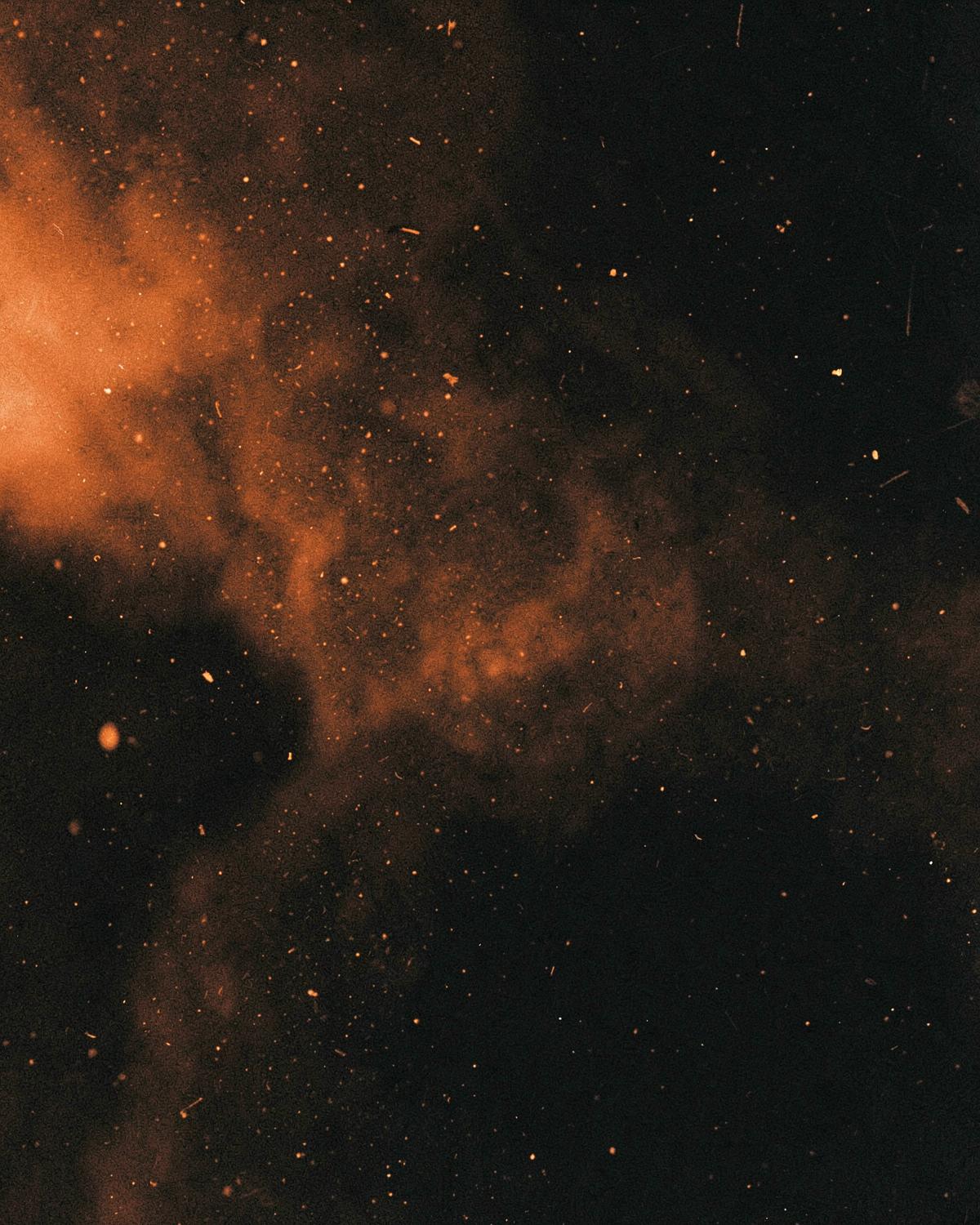
Overlays & Textures
$80.00
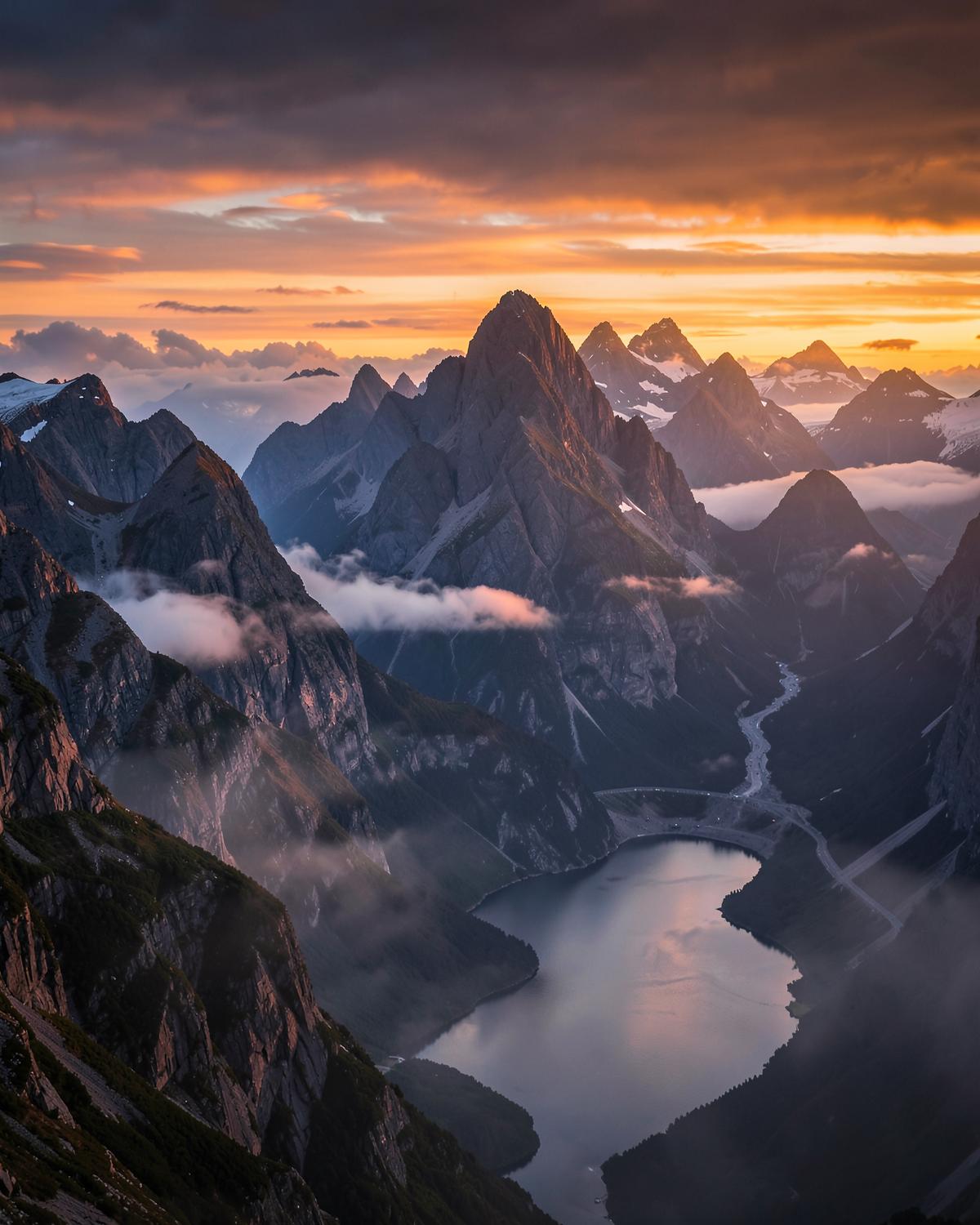
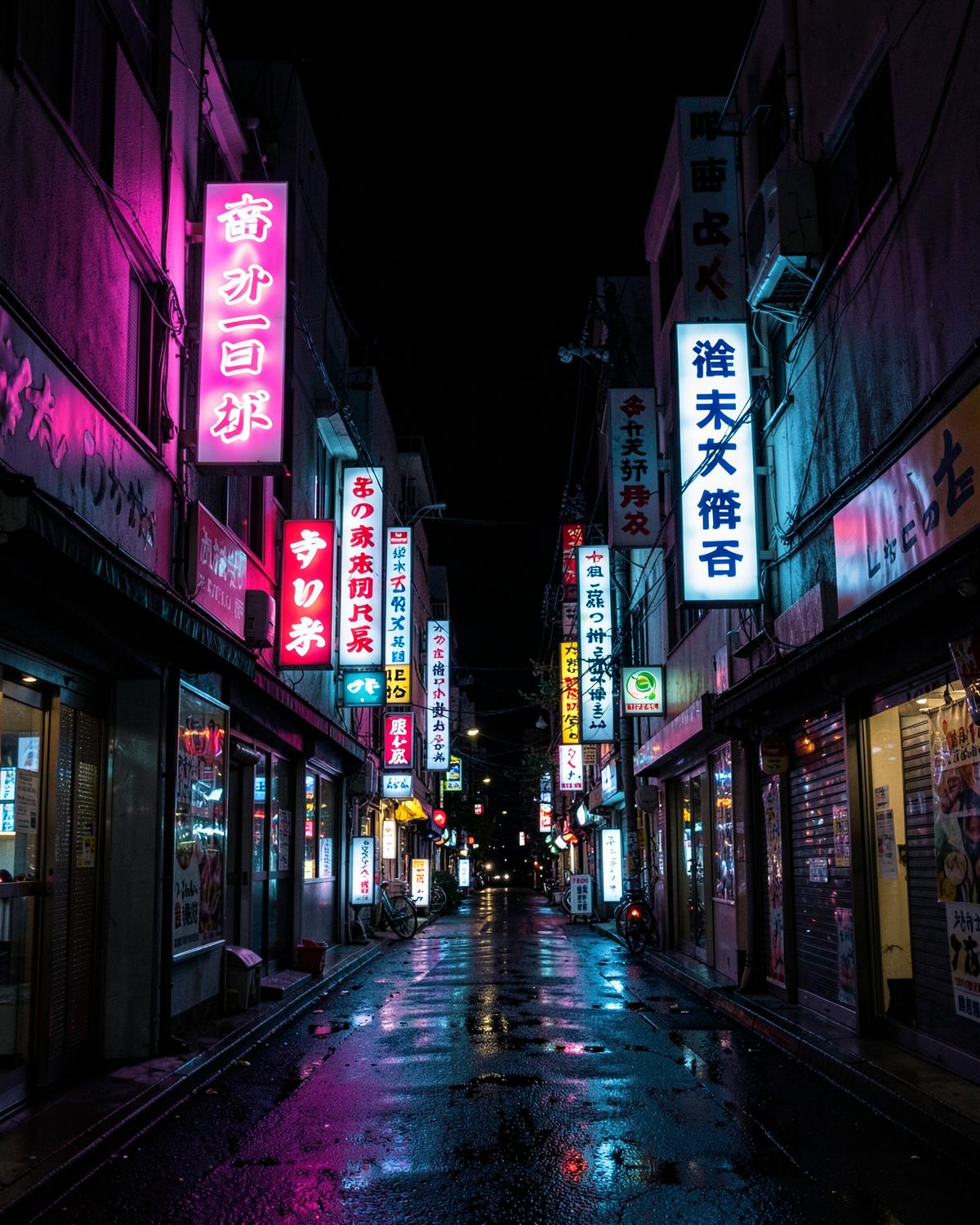
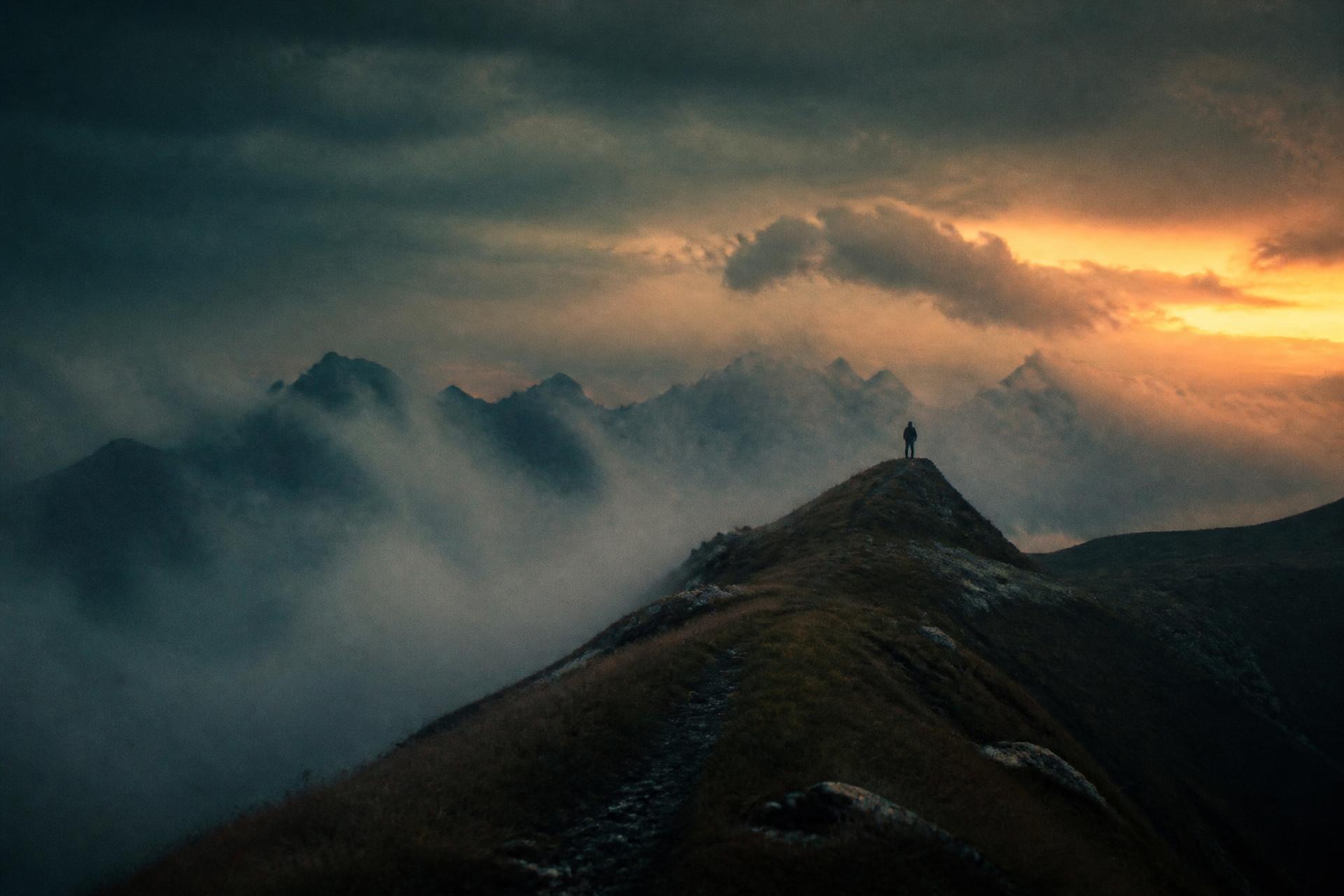
Light leaks, dust, grain, lens effects and atmospheric overlays.
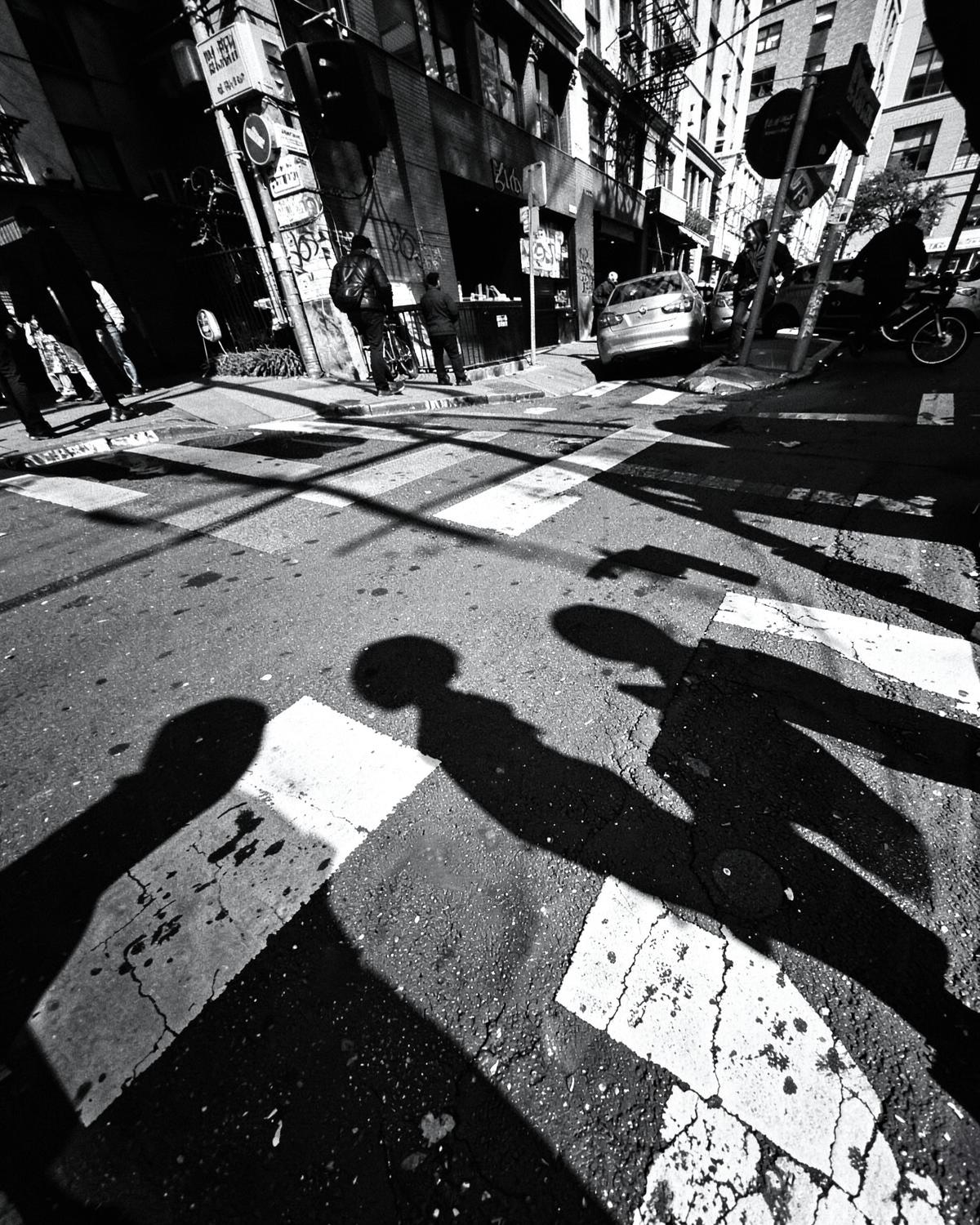
A full atmospheric toolkit: leaks, haze, flares, shadow gobos and dust, all captured in-camera at high resolution.
Your purchase includes a personal and commercial creative-use license: use the assets on your own photos and video, including paid client work. Reselling, redistributing, sharing or bundling the digital asset files themselves is not permitted. Full terms are configurable by the store owner.
Before & After
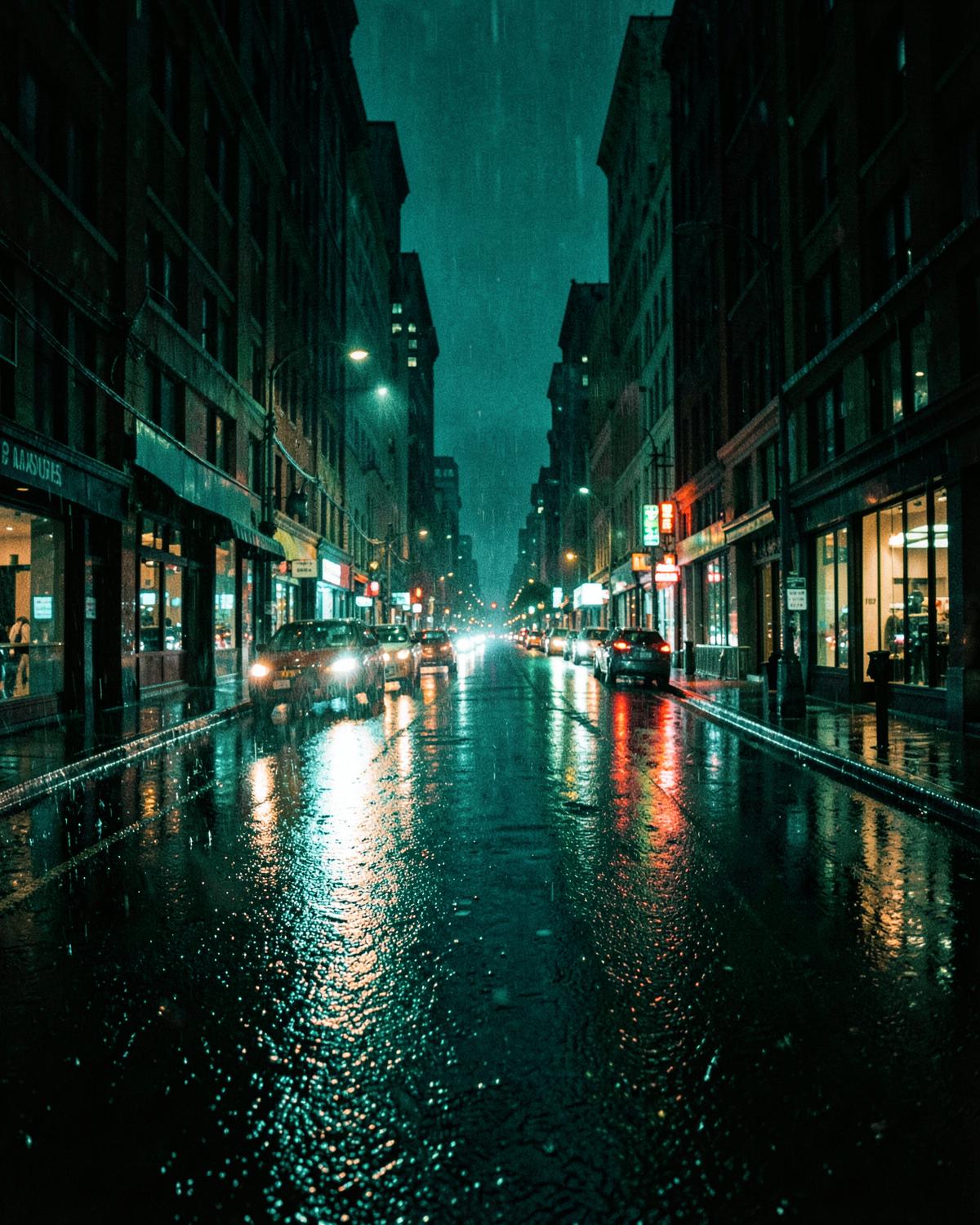
The Looks
Reviews
Demo content — sample reviews shown until real customer reviews are collected.
Applied it to a full wedding gallery and barely touched anything after. Skin tones stayed clean even in mixed light.
Sofia M.
12 August 2026
The contrast curve is doing something my own presets never got right. Shadows stay rich without going grey.
Daniel R.
3 August 2026
Great on RAW, slightly strong on JPEG — dial opacity back and it's perfect. Installation took two minutes.

Amara K.
27 July 2026
You May Also Like